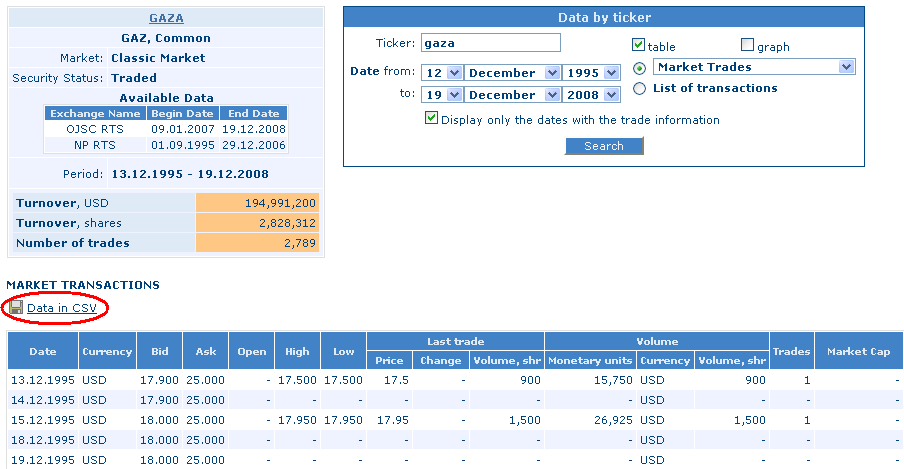
Visit www.rts.ru/en, and choose Market Data / Archives then select Data by ticker in the middle of the page. Set up data download similar to the upper right part of the below picture.
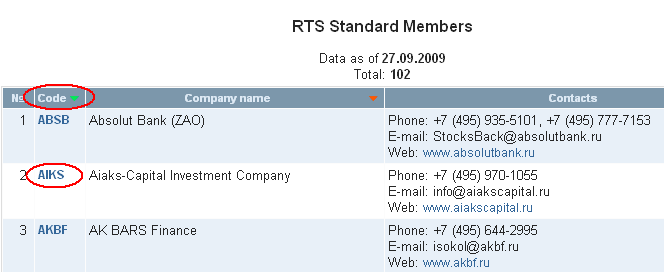
Enter the RTS code of the equity into the "Ticker" field.
Keep "table" field checked, uncheck "graph" field if it is checked.
You can set the starting date of the data with the "from" field at "Date" and you can specify the end of the time frame with the "to" field.
Keep checked the drop down menu with "Market Trades" selected.
Check "Display only the dates with the trade information".
Click search.
In the page that appears click "Data in CSV" next to the icon shaped like a floppy disc, and data is downloadable.
Chartoasis.com: financial charts and chart software